What New-age Office Copier Features and Apps Should You Be Interested In?

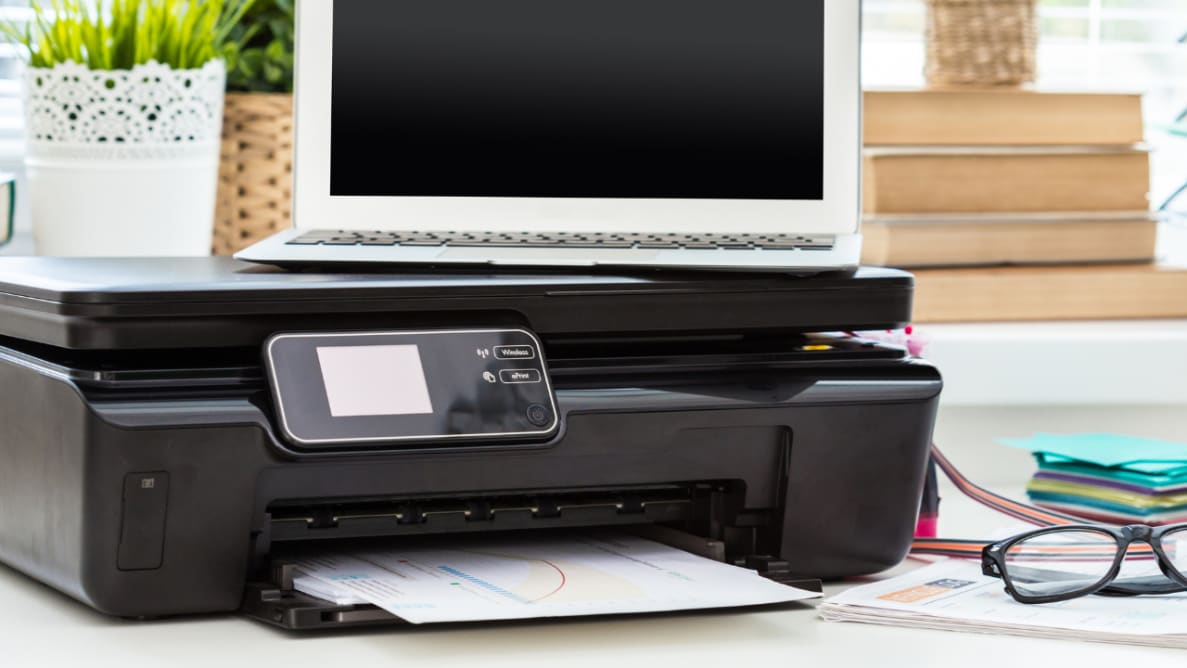
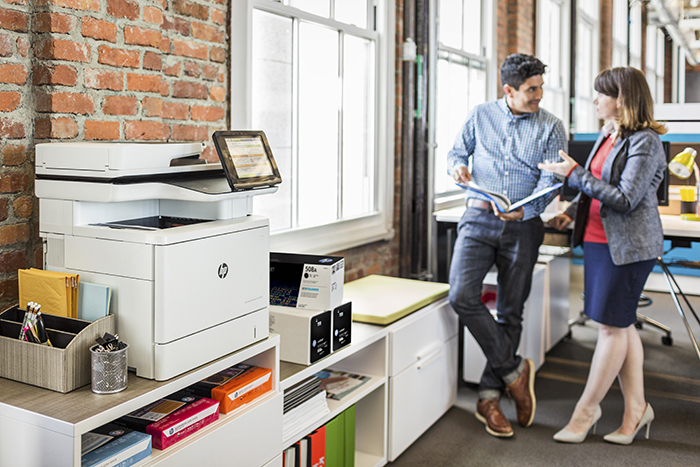
The article names scanning and cloud storage as headline features, with a notification when a scan finishes and less paper to store. It says you can scan by photographing a document with a phone or tablet, print directly from a mobile device, and create PDFs from your phone. Other features include duplex printing, copying on larger sheets, and a machine that alerts you when the feeder or page has a problem. It lists Samsung, Xerox, Konica Minolta, and Canon as brands, though the text is hard to follow and several lines read as damaged or machine-rewritten.
Continue ReadingWhat New-age Office Copier Features and Apps Should You Be Interested In?

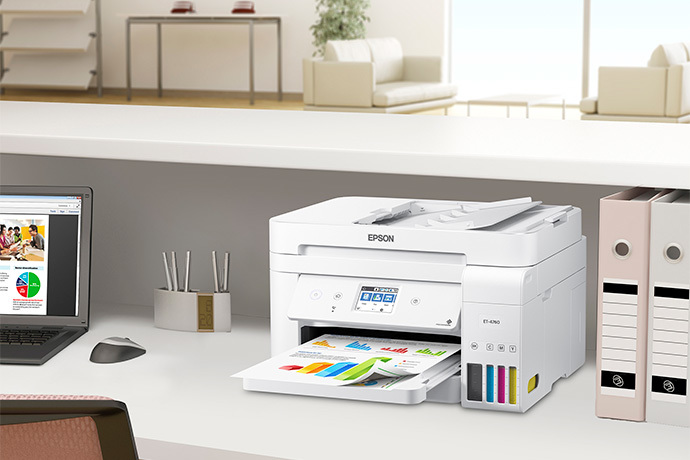
Epson EcoTank ET-4760 Wireless All-in-One Inkjet Printer

The EcoTank replaces cartridges with refillable tanks, so ink costs less per page over time than a typical cartridge printer. It has a PrecisionCore print head for crisp text and detailed graphics, two paper trays that take letter, legal, envelopes, and labels, and wireless printing from phones and tablets through Epson Connect. It works with Windows and Mac. The warranty is one year, with a longer Epson program the article says can reach five years, and the article’s wording about ink, cartridges, and costs is inconsistent, so verify it before relying on it.

Continue ReadingEpson EcoTank ET-4760 Wireless All-in-One Inkjet Printer

How important is the scanning feature?

The article describes two main scanner types: document scanners for paperwork such as contracts and blueprints, and slide or film scanners for slides and film reels. For an office, it highlights a sheet feeder that takes a stack of pages, a flat scanning bed for posters, records, and textiles, duplex scanning for two-sided originals, and high resolution for image quality. It says speed matters when volume is high, and that output formats such as PDF, Word, and JPEG should be supported. Decide what you scan most before buying, and choose the features that fit.

Continue ReadingHow important is the scanning feature?

What types of documents are you printing and copying?

The article lists document types that still need paper: reports and contracts for meetings, school drafts, legal documents, mailed letters, resumes, and anything with sensitive personal data such as patient information. It says paper choice depends on color needs and the job, and that the number of copies depends on whether the document will be reused, with proposals and payroll forms needing several. It closes with printer features such as automatic duplexing, with Brother and Canon named as examples. Most of the page is hard to follow, so the points need checking before they go live.

Continue ReadingWhat types of documents are you printing and copying?

3 Tips On How to Save Energy When Using Copiers

Energy waste from copiers is easy to overlook, but the costs show up on the power bill and in the environment. The article says to find out how much your machine uses, either from the manual or with a kilowatt meter, then adjust sleep mode and instant-on settings. It also recommends switching the machine off daily instead of leaving it in hibernate, and consolidating to a single multifunction copier with wireless printing. Usage frequency and the hours your office stays open shape how much electricity you use.

Continue Reading3 Tips On How to Save Energy When Using Copiers

Copier Power Consumption Calculation

Businesses often ignore printer energy while focusing on monitors, lighting, and air conditioning, but shared machines run all day and add up. The article uses an HP LaserJet 4250 as a worked example: 45 pages a minute, 100,000 pages a month, which is about 37 printing hours. It then splits the other hours into standby (75%) and sleep (25%) and multiplies each by its wattage. The three results add up to the monthly total, and the manufacturer or a leasing provider can supply the figures for your own model.

Continue ReadingCopier Power Consumption Calculation

How To Know When To Repair Or Replace A Copier

The article’s main test is the 50% rule: if a repair costs more than half of a new unit, buy new. It adds five other signals: scarce parts, a stockpile of supplies that makes you reluctant to switch, missing security features on older machines, rising operating and energy costs, and print needs that have outgrown the machine. Modern multifunction devices combine scanning, copying, and faxing, which can replace several older machines. If you’re unsure, an expert or your leasing company can assess it.

Continue ReadingHow To Know When To Repair Or Replace A Copier

How much does it cost to lease a copier?

The article says it’s hard to find a direct price online, so you should learn what drives cost before asking for quotes. Most businesses lease because it avoids large upfront costs and keeps technology current, and the lease ends with a choice to buy or upgrade. It lists purchase ranges, with an average copier near $1,560, a home copier around $170, commercial units from $3,000 to $12,000, and high-end models up to $40,000. Before signing, ask what the lease includes for supplies, repairs, and maintenance, and check the provider’s track record and testimonials.

Continue ReadingHow much does it cost to lease a copier?

How To Choose The Best Copier Leasing Services

Picking a lease means choosing both the machine and the supplier, and the wrong supplier affects your business. The article says to research several providers, ask questions before committing, and look for one that tailors payment and purchase options to your needs. It adds that a good provider advises you even when it doesn’t benefit, has strong client feedback, works with premium brands, and offers responsive support, including replacements for major repairs. Longevity in business is the last check, and the article closes by pointing to Clear Choice Technical Services.

Continue ReadingHow To Choose The Best Copier Leasing Services