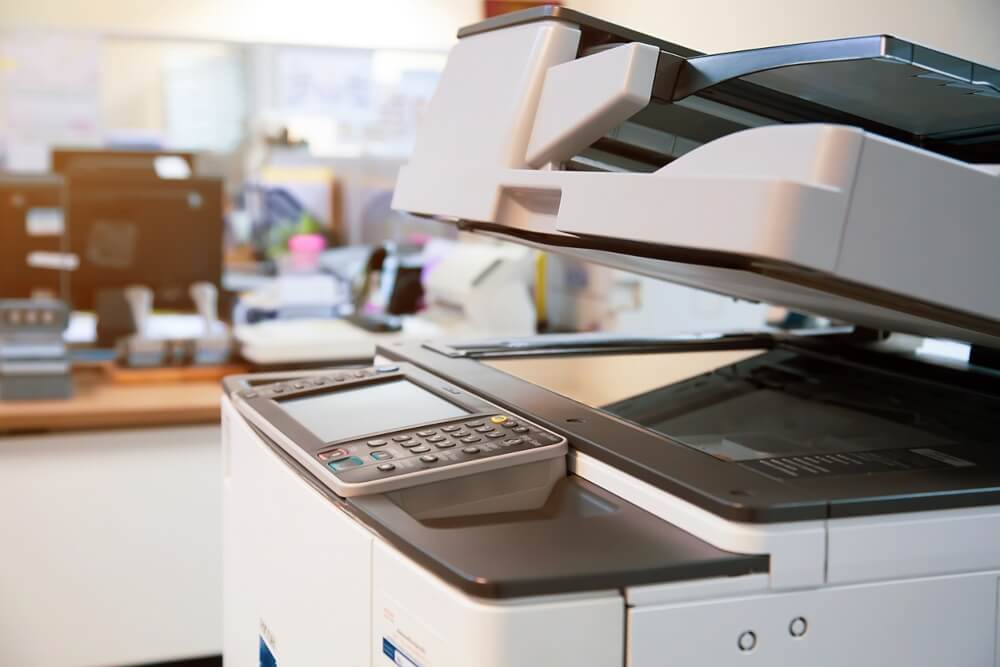
What To Look For In a Multifunction Printer

A multifunction printer, also called an MFP or copier, combines printing, copying, scanning, and faxing, and many also do email, finishing, and wireless or mobile jobs. The article lists its advantages as lower power use with energy-saving modes, one machine replacing several, shared use across teams, and lower overall cost through digitized documents. For scanning, it says to look for a flatbed, an automatic document feeder, network or USB scanning, and slide and transparency capability. It also stresses after-sales support, meaning quick repairs and parts, and mentions leasing or renting as options to plan around.
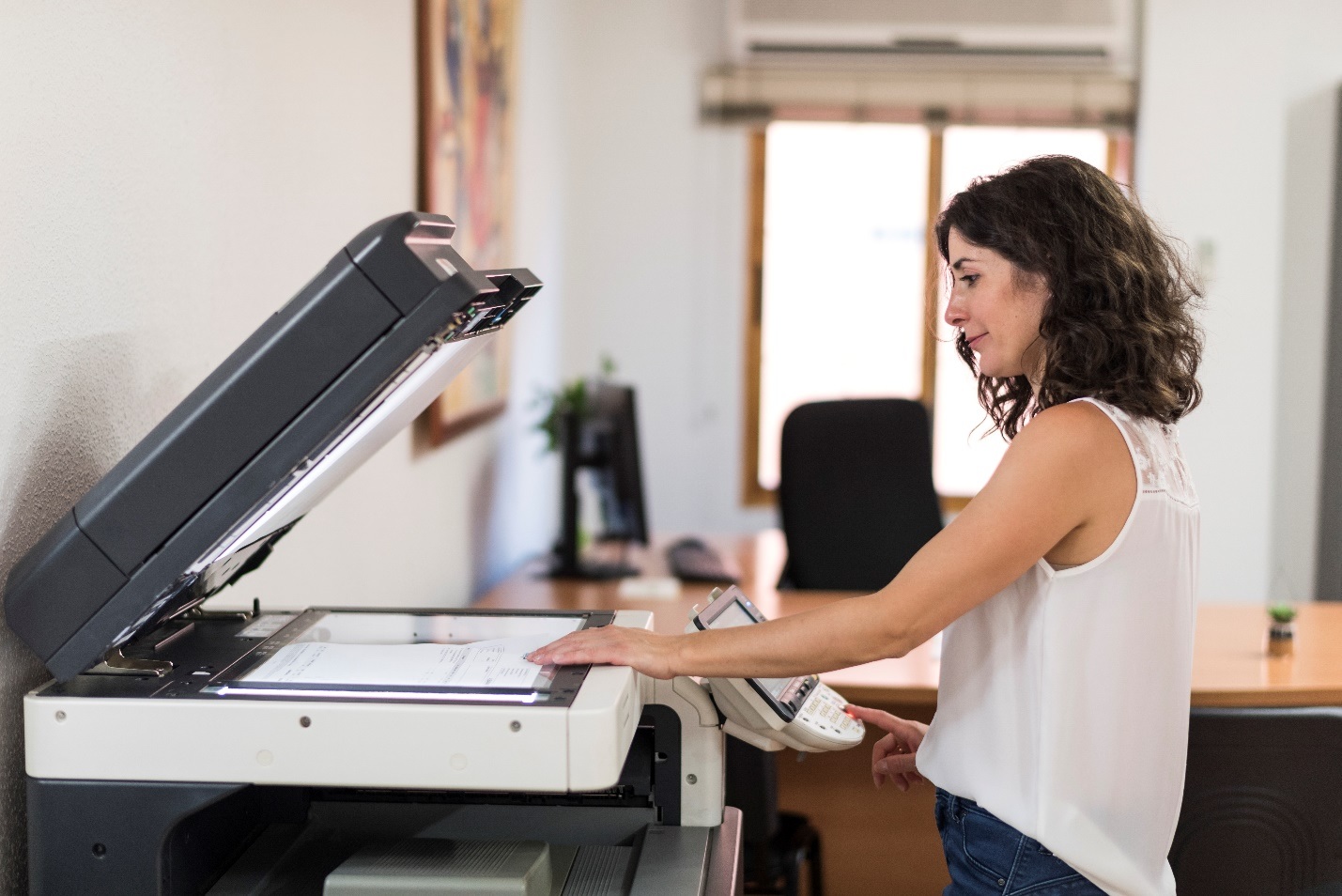
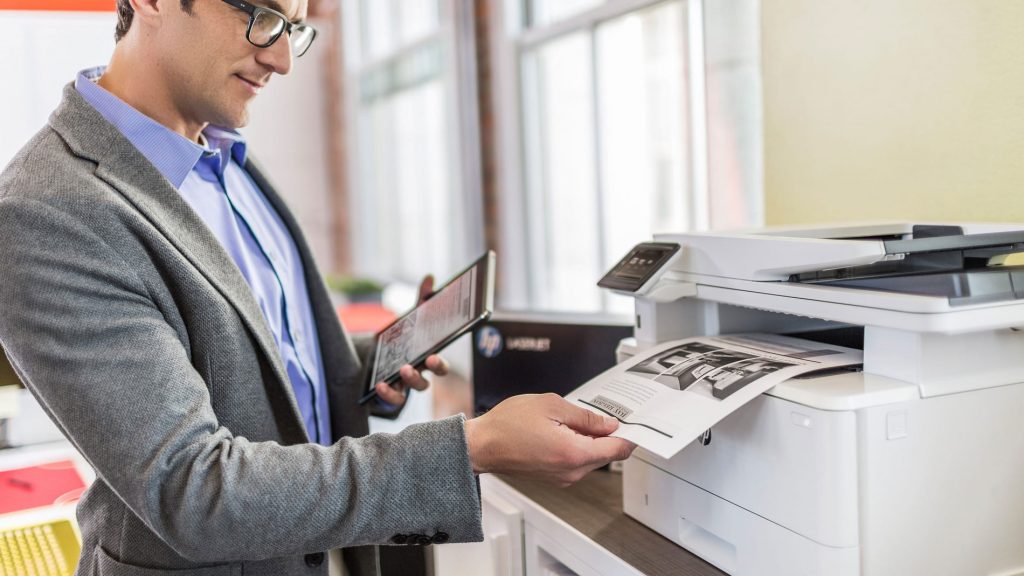
Continue ReadingWhat To Look For In a Multifunction Printer

Characteristics of Laser Copiers That You Can’t Find In Inkjets

The article compares the two printing methods: an inkjet sprays tiny drops of liquid ink through micro-nozzles, while a laser copier uses toner powder transferred by an electrostatic charge and bonded with heat. Lasers have no dried-ink maintenance problem, produce crisp, smudge-proof text, and suit bulk printing, though they cost more upfront and last longer. Inkjets handle color images and photos well but can smudge, bleed slightly, and clog when idle. If the upfront price is a concern, leasing a copier spreads the cost.

Continue ReadingCharacteristics of Laser Copiers That You Can’t Find In Inkjets

POSSIBLE PRINTER ISSUES YOU MAY ENCOUNTER

The article walks through six issues and a first fix for each. An unresponsive printer usually needs its cables and connection checked and a restart, and a dead scanner often points to outdated drivers. Faded or poor output can come from a wrong setting, low ink, or a head that needs cleaning, while jams trace to misaligned or thin paper. Slow printing and failed mobile printing usually come down to an unstable Wi-Fi connection, and the article adds that you should enable the printer’s security features.

Continue ReadingPOSSIBLE PRINTER ISSUES YOU MAY ENCOUNTER

4 IT Errors Every Small Business Needs

Small businesses often start with manual processes and struggle to keep up with technology, and the support they rely on can itself cause errors. The article says to research options that suit your budget and team, keep researching after you adopt a tool, and plan how you’ll roll it out, including security. It warns against assuming “it still works” is good enough and recommends regular checks and maintenance on hardware and software. Pick technology for how well it performs for your business, since performance matters more than appearance.

Continue Reading4 IT Errors Every Small Business Needs

Basic Guide for Photocopier Maintenance

The article covers how to look after a copier and what goes wrong when you don’t. It advises placing the machine in a dust-free spot with good airflow, wiping the exterior with a mild soap solution, and making sure toner and cartridge doors are seated properly. It warns against putting hot drinks on the machine, keeping it near strong magnets, or exposing it to moisture. Skipping cleaning lets toner and paper dust build up, which causes streaks and spots, so follow the manufacturer’s maintenance schedule.

Continue ReadingBasic Guide for Photocopier Maintenance