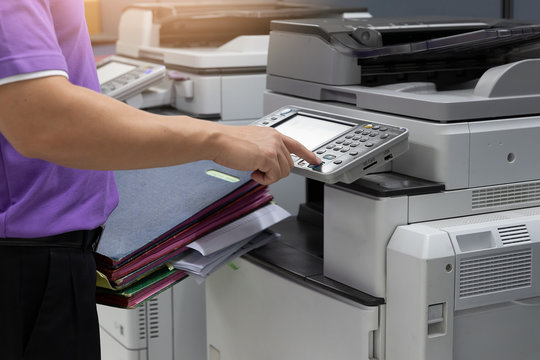

Understanding Office Equipment Rental and Copier Leasing: Which Option Fits Your Business?

The article separates rental, a short-term arrangement for temporary needs, from leasing, a longer commitment with predictable payments and no ownership unless you buy out. Rental offers flexible duration, bundled maintenance, no long-term commitment, and easy upgrades, but it costs more if you need the machine for long. Leasing offers fixed payments, lower long-term cost, maintenance and support, and upgrades at the end of the term. To choose, weigh how long you need the machine, how much flexibility you want, the cost over time, and how often you want new technology.

Continue ReadingUnderstanding Office Equipment Rental and Copier Leasing: Which Option Fits Your Business?

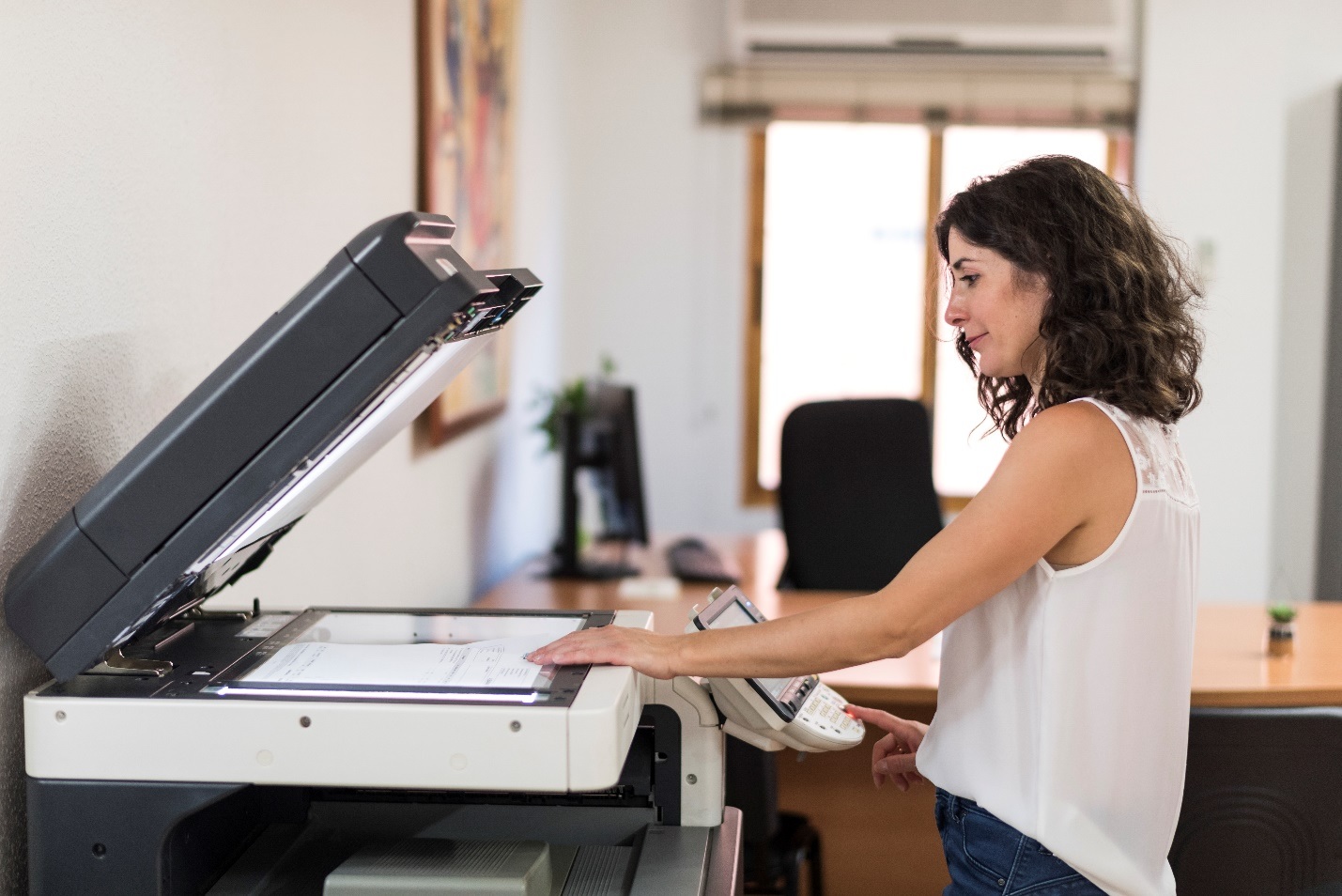
Copy Machine Rentals vs. Copier Leasing: Which Option Offers the Best Value for Your Business?

What Are Copy Machine Rentals? Choose a copier rental when the need is brief, such as a deadline, an event, or a stand-in while your machine is repaired, and a…

Continue ReadingCopy Machine Rentals vs. Copier Leasing: Which Option Offers the Best Value for Your Business?
Read more about the article How Managed IT Services Can Improve Remote Work Security
Young man eating sandwich and drinking coffee while sitting on chair in front of computer and watching video

How Managed IT Services Can Improve Remote Work Security

Remote work introduces new security challenges for businesses. Many companies overlook remote PC vulnerabilities at home. Cybersecurity threats are increasingly aimed at remote devices daily. Managed IT support can mitigate…

Continue ReadingHow Managed IT Services Can Improve Remote Work Security

Why Managed IT Support is Essential for Remote Workforces In Baltimore

When a computer fails during a deadline, remote support lets a technician fix it from afar. The article says to define your needs first: the type of support, how often you need help, and any compliance rules. It then lists ten features to check, including round-the-clock availability, certified technicians, scalability, strong security, and clear service level agreements. The benefits it names are lower cost than in-house staff, quicker help, access to varied expertise, and less downtime.

Continue ReadingWhy Managed IT Support is Essential for Remote Workforces In Baltimore

Why Managed IT Support is Essential for Remote Workforces In Baltimore

The article lists ten benefits of managed IT for remote and small-business teams: better productivity and fewer outages, secure data handling, fast support across time zones, and room to scale as the team grows. It also names stronger defenses against cyber threats, standardized systems across locations, less downtime, freedom from IT chores, and access to specialists. Examples include network monitoring that catches faults early, encryption for traffic between staff and servers, regular security audits, and synchronized software updates. It cites a 47% rise in cyber threats and closes with a pitch for Clear Choice’s services.

Continue ReadingWhy Managed IT Support is Essential for Remote Workforces In Baltimore

What Are the Different Types of Photocopiers – A Question to Consider?

Today’s copiers have grown from single-function machines into multifunction devices with Wi-Fi and remote printing. The article describes three types: wireless copiers that connect to the office network, laser copiers that cost more upfront but less per page than inkjet, and compact desktop units that suit a home or small office. It cites about 6 to 8 cents per page for laser against 10 to 20 cents for inkjet. Compare features and price before choosing, since the list of options is long and the right one depends on your workload.

Continue ReadingWhat Are the Different Types of Photocopiers – A Question to Consider?

What To Do When Your Baltimore Printer Isn’t Working?

The article gives a short troubleshooting order for a printer that won’t print. Start with the cables and power, and if wireless printing fails, connect by USB to find out whether the wireless link is the cause. Next, update the printer driver from the manufacturer’s support page, confirm the right printer is selected in the print dialog, and realign the paper if the printer reports a jam. If these steps don’t work, call a technician instead of trying more fixes yourself.

Continue ReadingWhat To Do When Your Baltimore Printer Isn’t Working?